
Cards people actually share
Eight formats, built like the real thing: a paper receipt, a boarding pass, a terminal window, a retro desktop window, a folder, a document, a social post.
 Humblebrag
Humblebrag turns your steps, your days and the dates that matter into comparisons worth sending to someone. Every one of them is real, and every one links to its source.
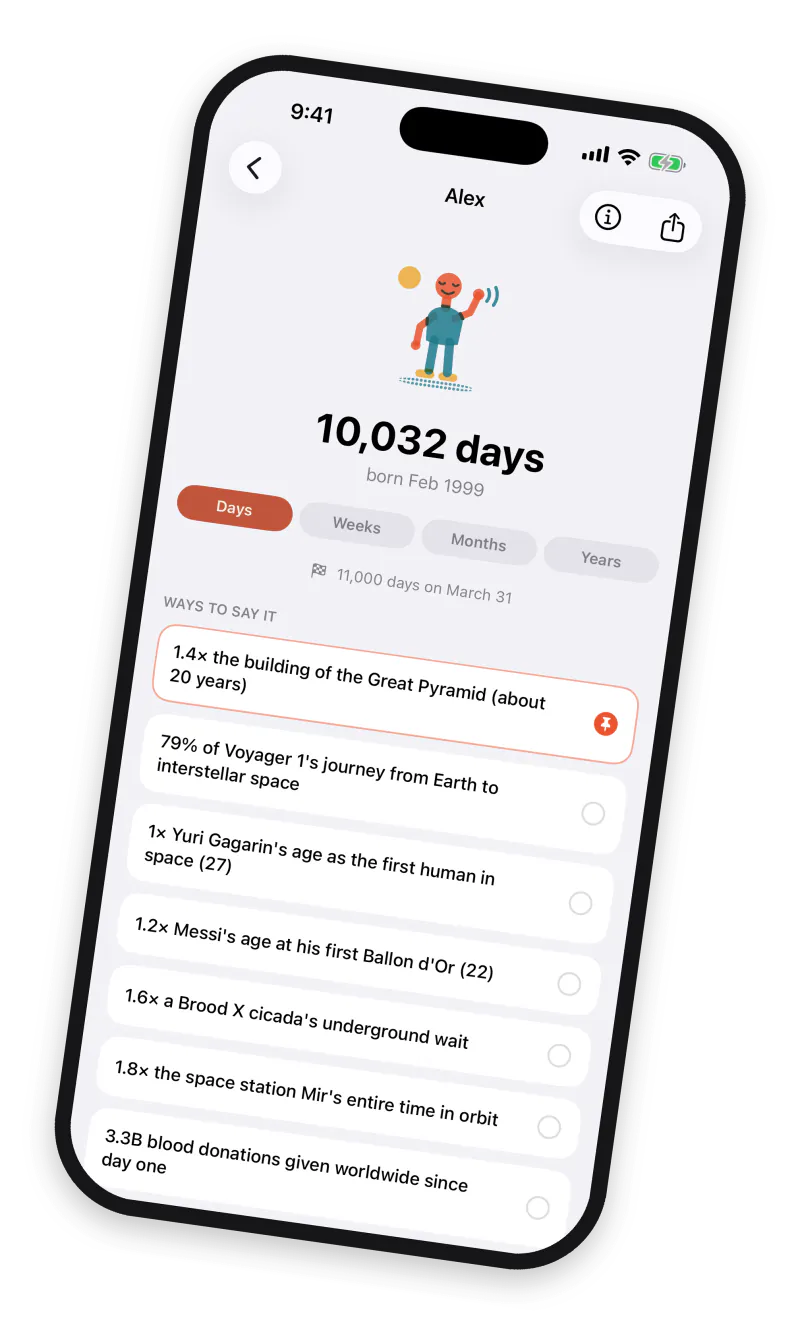
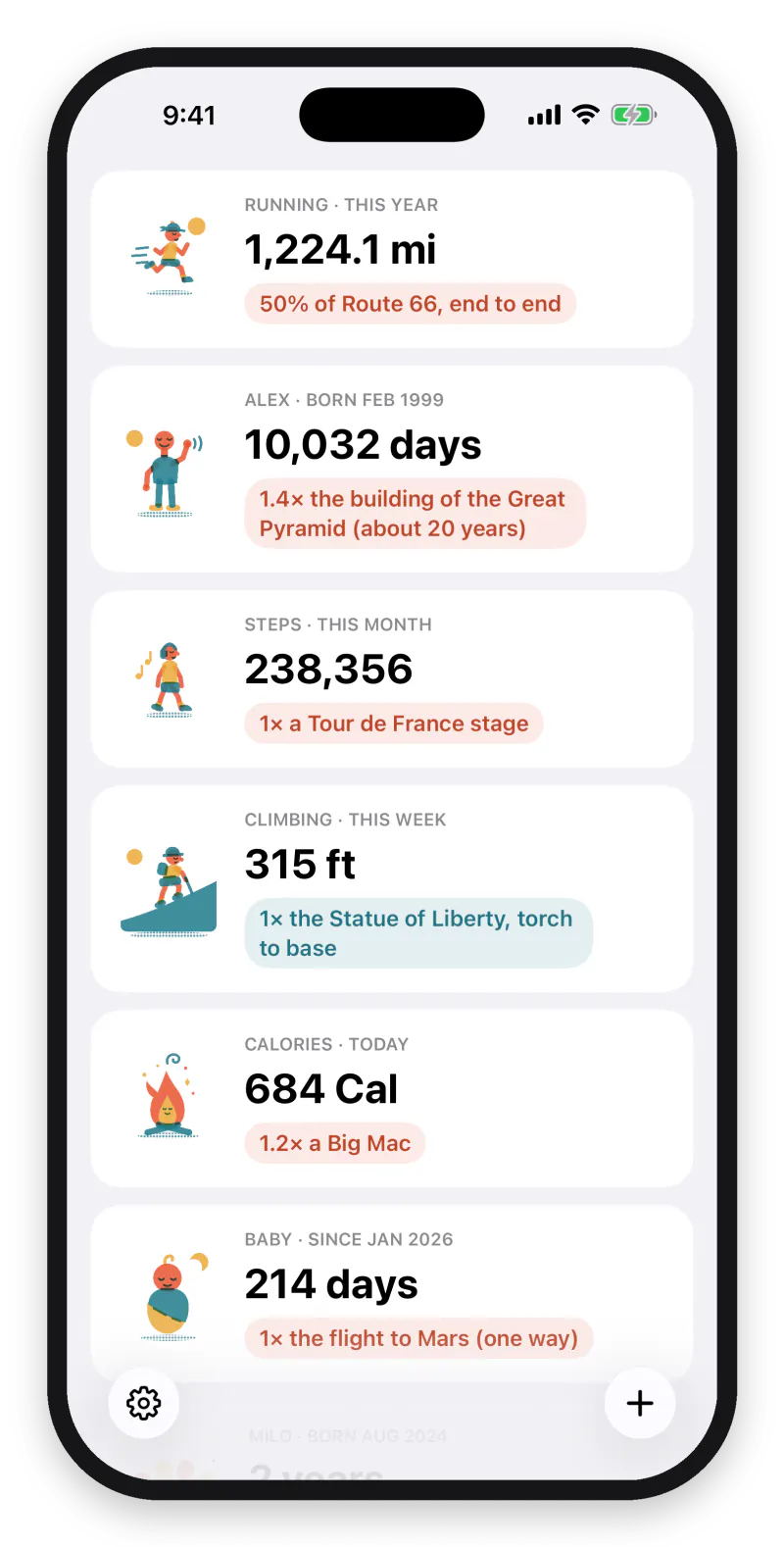
iPhone · iOS 18+ · your health data never leaves the device
Featured in TapSmart’s Indie Apps Showcase, September 2026
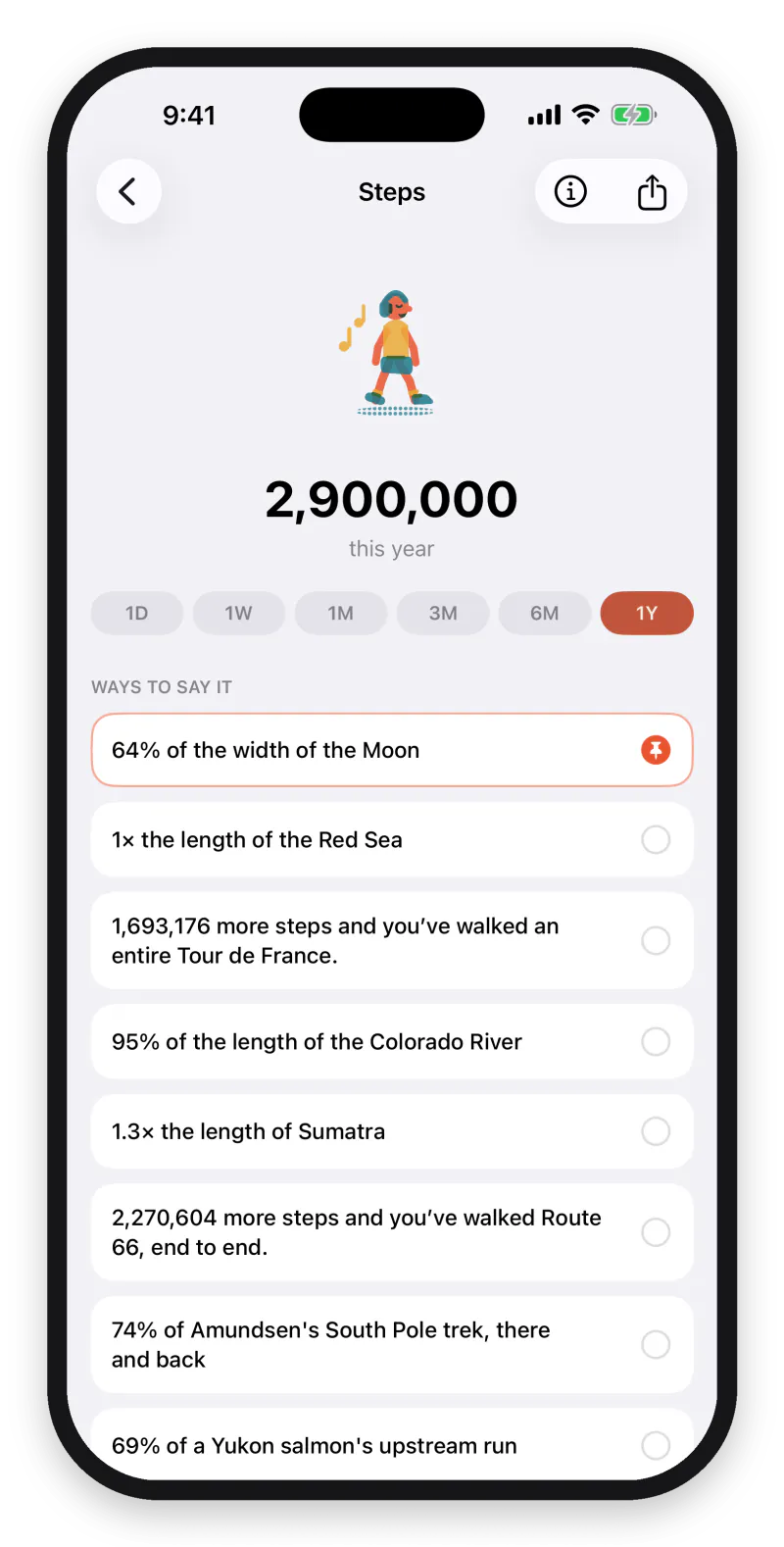
Steps, distance, calories
Straight from Apple Health, translated the moment it lands.
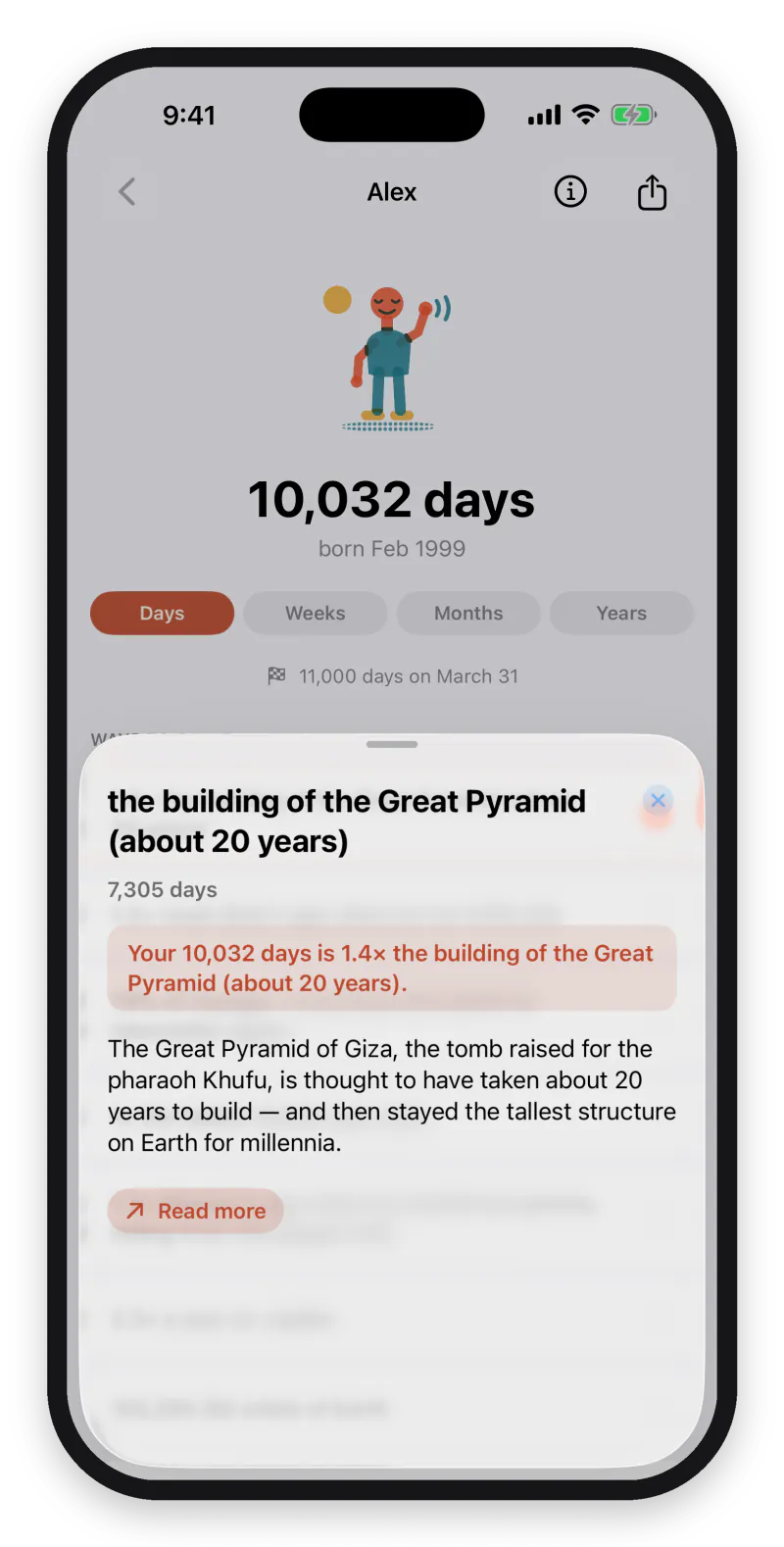
Proof on every line
Tap any comparison to see where the number came from.
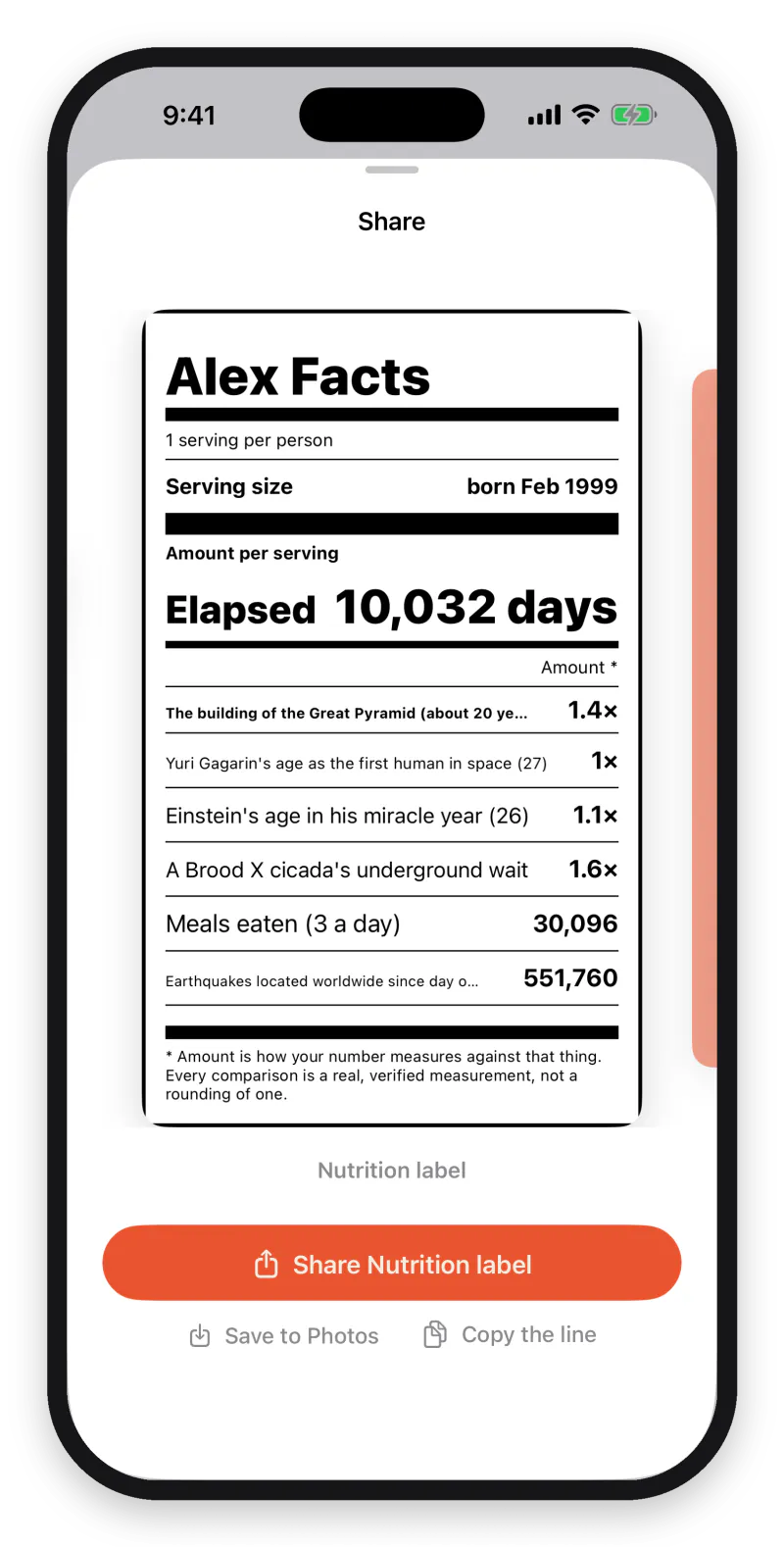
A receipt worth sending
Your figures as a share card, built to be screenshotted.
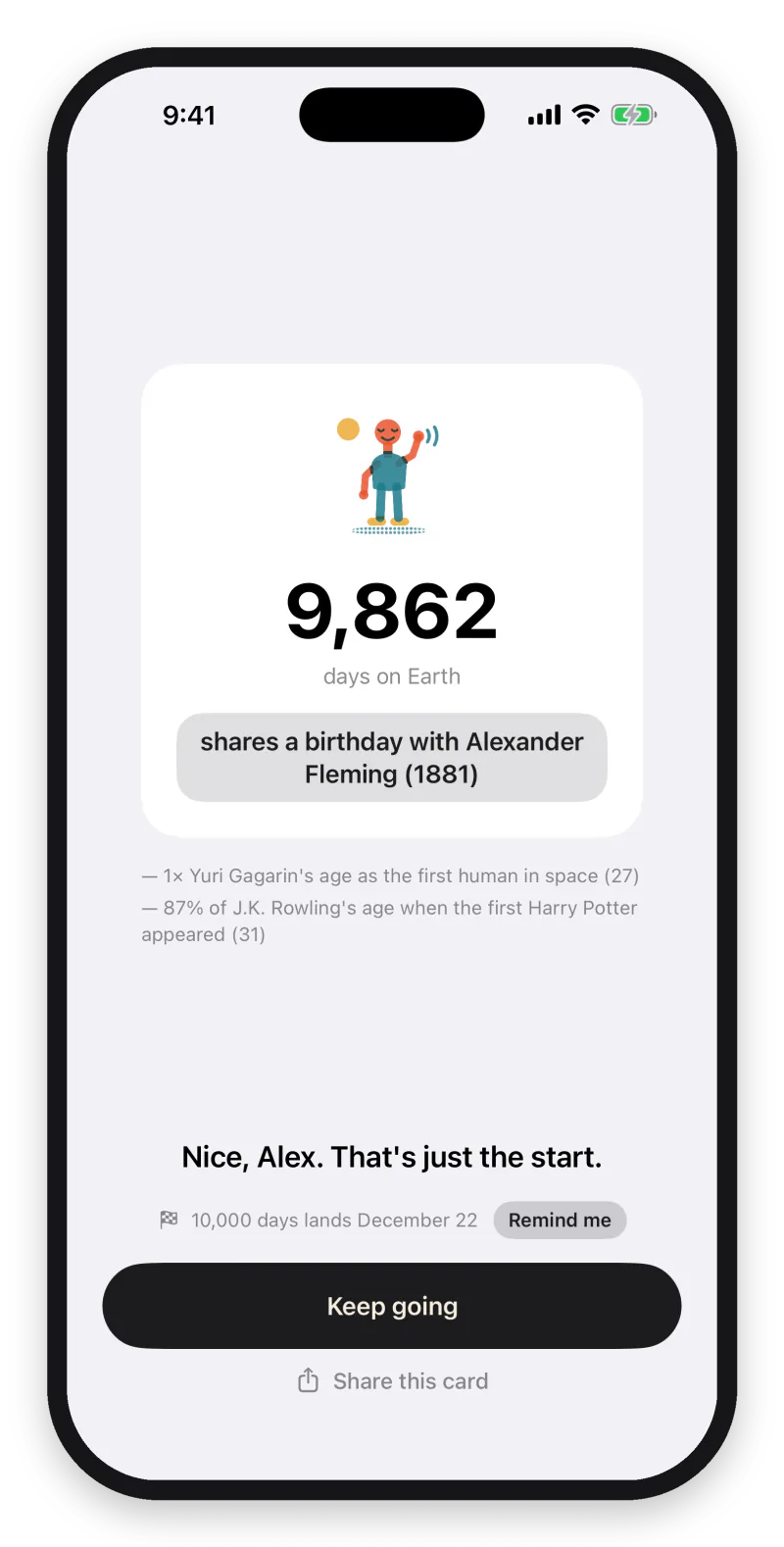
Add a date, get a reveal
A birthday or a first date becomes a running count.
That’s 2× the length of the Persian Gulf.
SourceReal comparisons from the app, each with its source. The app picks a new one every day.
Activity comes straight from Apple Health. Everything else is a date you type once — and then it counts forever.
 Steps, running, cycling, swimming, climbing, energy — from Apple Health
 A baby's age, down to the day
 Days together, days since, days sober, days quit
 People and pets, counted from a birthday
 A car's odometer
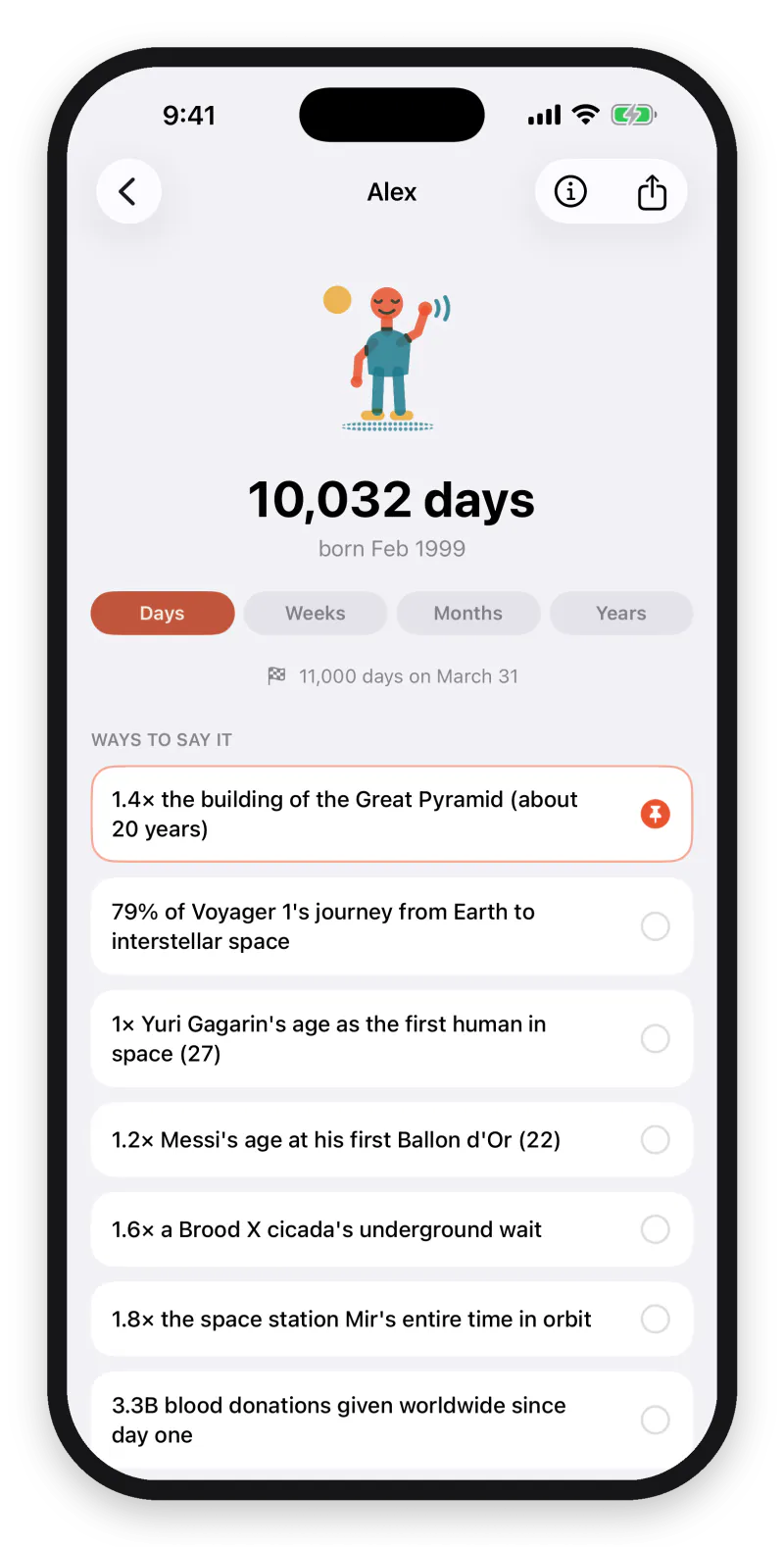
“Every comparison is real” is not a slogan. It is why the app took longer to build and is worth more to read.
Eight formats, built like the real thing: a paper receipt, a boarding pass, a terminal window, a retro desktop window, a folder, a document, a social post.

The same number gets a different comparison tomorrow — and you can deal again whenever you want a new one. Keep the lines you love.

Home screen and lock screen. Your number, already translated, without opening anything.
Your Apple Health data, the names and dates you type, and every line the app writes about them stay on your iPhone. There is no account to make and no server to hold them.
The one thing that does reach a server is anonymous subscription bookkeeping — which plan, whether it renewed — tied to a random ID, never to you. No ads, no tracking, no data brokers.
No free tier, no ads, no upsells inside. The app is the product and you are the customer.
$29.99/year
About $2.50 a month
$5.99/month
Cancel any time
US pricing; your local price is shown in the app before you buy. Subscriptions renew automatically unless auto-renew is turned off at least 24 hours before the period ends.
Wikidata and hand-curated public sources. Every fact links to its Wikipedia article inside the app, so you can check any number yourself. Nothing is invented — if a comparison sounds absurd, it is still true.
No. Apple Health data is read on demand, used to compute what you see, and never transmitted anywhere. The comparison text is written on-device by Apple’s own AI model. The only thing that reaches a server is anonymous subscription bookkeeping.
No. There are no accounts, no sign-up, no password. Your subscription travels with your Apple Account, so Restore Purchases is all you need on a new phone.
Everything: unlimited counters, a fresh comparison every day, eight share-card formats, home and lock-screen widgets, saved lines, and quiet milestone alerts.
Any time, in Settings → Apple Account → Subscriptions. Cancelling stops the renewal and you keep access until the period ends.
iPhone running iOS 18 or later. The AI phrasing needs an iPhone 15 Pro or newer, since that is what Apple Intelligence requires; on any other iPhone the app writes its comparisons with its own engine instead, so nothing is missing and nothing breaks.